- Consultation Builder
- Interactive Features
- Data Collection
- Data Assessment
- Evergreen Technology
- Online Community
- Security and Compliance
Web editor
Easily manage and edit your content through a user-friendly web builder. The editor will save your content directly into the database and go live immediately. The web editor includes text formatting, images, gallery, videos, links, quotes, layout formatting, buttons and more. No coding necessary.
Copy/paste cleaner
Quickly and easily build your content by copying and pasting from other sources into the web editor. Our web editor will clean it up all automatically and unbloat the code on your web page.
Consultation Location (Map)
Add the location of your project by simply typing the location/address or clicking on the map.
Document Library
Upload all documentation necessary to support your consultation and have them displayed neatly
Consultation Progress
Easily add custom consultation stages to your consultation. These will appear in a predetermined location on the consultation page.
Project Timeline
Add the expected timeline for the consultation
Consultation dates
Add the start and end of your consultation. These will appear in a predetermined location on the consultation page.
Categories, regions and tags
Personalise your consultation by adding categories, regions and tags. This will allow users to quickly find consultations relevant to their interests.
Image Gallery
Easily upload images to the consultation. these will appear in a determined location, optimised and ready to go.
Project Contacts
Add important information details related to contractors
Consultation Finder
Consultation Finder allows you to view all consultations on a map and drill down into particular categories of interest.
Videos
Use videos from YouTube or Vimeo by simply adding the video URL. You can also upload your own.
Call-to-action
Easily add call-to-actions within your consultation encouraging survey participation or brainstorming ideas.
Before/After Images
Upload 'before-and-after' photos of your projects givings members visual insights into the project
Responsive design
Ensure consultation will look amazing independent of device, size or orientation.
Notifications
The system will send out email notification for interactions encouraging return visits and further contributions.
Cross-browser compatibility
SpeakUP supports all popular modern web browsers.
More than just surveys
SpeakUP is much more than just surveys. Create meaningful public consultations with various tools for communication and data collection – calling for true engagement participation and discussion.
Quick Polls
Quick polls allow you to gather quick information through strategically placed polling modules
Questions
Encourge online discussions and ideas with tools allowing users to ask questions
Participatory Budgeting
Who better to tell you what to spend the budget on than the community themselves
Proactive Map Markers
Proactively collect spatial information through user submitted map markers and comments on specific areas of maps
Event RSVPs
Organise your local meetings with Event RSVPs. Know who is coming and assess their profile and previous contributions
Event Minutes
Minutes from local meetings are also displayed online allowing non-attendants to be informed
Q&As
Q&As are displayed on each cpnsultation and users can contribute to these via quick submition form. (moderated)
Brains Trust
Each consultation has a dedicated ideas section, encouraging your members to submit ideas on how to tackle various issues. Ideas can be voted (liked) by other members.
Story-telling
Encourage your coomunity to submit local stories, thoughts and ideas.
Out-of-the-box reporting
Create survey reports and graphs with a click of a button. Custom survey reporting features using meta fields will allow you to look into more granular issues.
Reports anywhere, anytime
Being cloud based means there is no need for software installation. As long as there is internet, you can access your reports and graphs anywhere, on any computer, tablet or mobile.
Data Reporting & Filtering
Filter your reports on any custom specific demographic metakeys. Examples of such are postcode, age, gender, profession, language and many others.
Dig deep
Filter through your data, digging deeper into localised issues giving you the ability to deal with issues on a very local level.
Graphs and charts
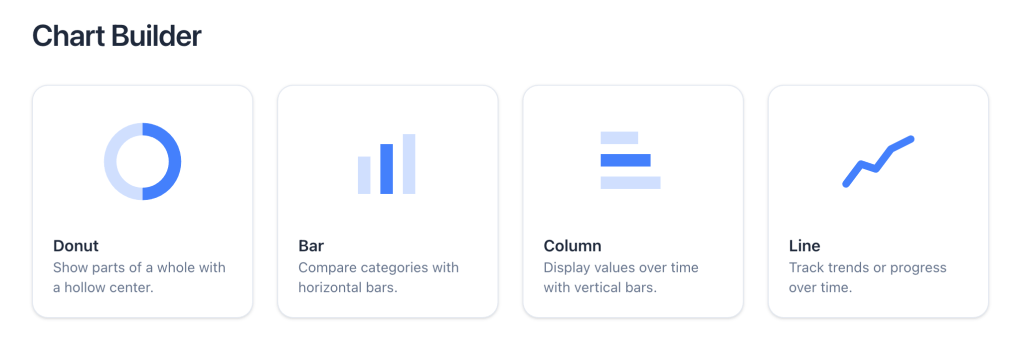
Export survey results in attractive graphs and charts. Export them to PNG or PDF.
PDF Reports
Export entire survey reports including questions, responses and graphs into one tidy PDF.
CSV Export
Export raw survey data in CSV or EXCEL format.
Technology Upgrades
Free up your time and focus on what your team does best. Our team can worry about database management, maintenance, hosting, software upgrades, design and much more.
Savings
No more budget blowouts on IT infrastructure maintenance, upgrades, and software updates. The SpeakUP Hosted Solution provides fixed upfront costs. This provides huge savings compared to self-hosted solutions.
Availability
As long as there is internet, you can access SpeakUP from anywhere, on any device, at any time. Create consultations, export reports, view survey results, create graphs, add entries or make notes on stakeholder records, and much more.
Modern & Responsive Design
SpeakUP is built using the latest responsive technology which allows it to work and be viewed seamlessly across all types of devices. Our systems are always being updated to suit latest releases.
Hosted Solution
The SpeakUP hosted solution provides managed hosting environment with all technical support, bandwidth, daily back-ups, database maintenance, technical support and latest upgrades and releases. No hidden, extra or upgrade fees.
Adaptability
SpeakUP can be adapted for human resources, internal communications, policy development, customer experience, charities, change management, employee consultation, religious organisations and much more.
Memberships
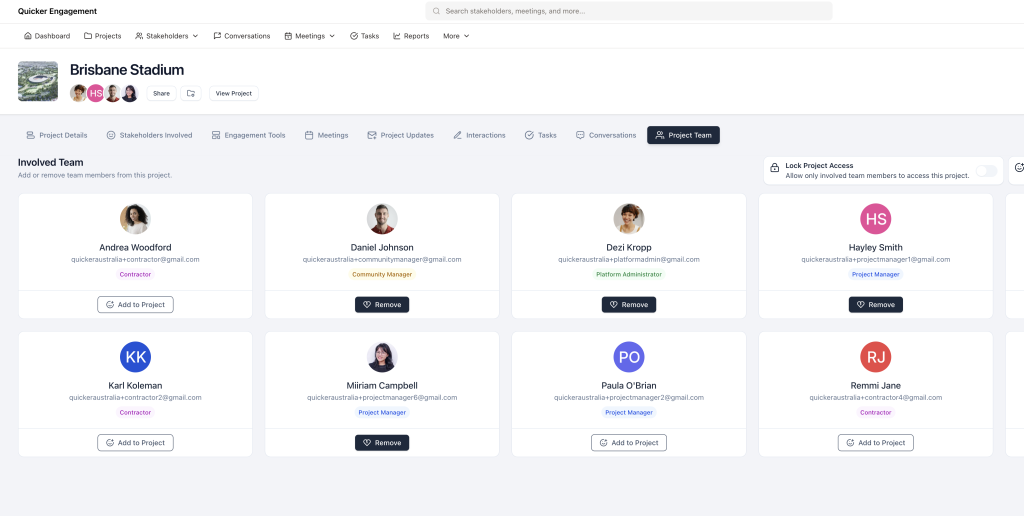
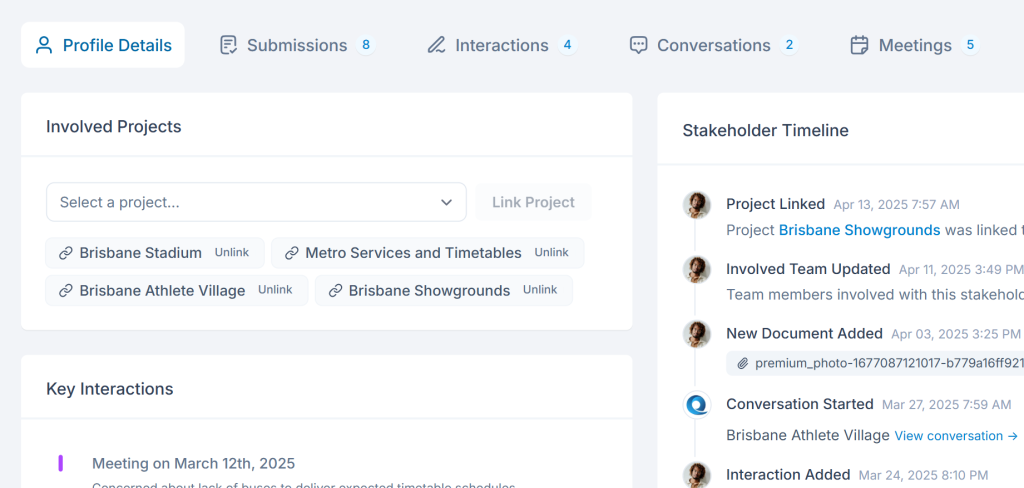
Have a real-time summary of your stakeholder databases and real insights into each member of your online community.
Profile Management
Members can control their personal information, view contributions, and choose their notification preferences.
Registration Fields
Customise the all registration fields to suit your reporting objectives. These will allow in-depth reporting functions.
Keep users coming back
Instantly expose your consultations to a willing participant pool through automatic prompts and newsletters.
New Consultation Notifications
Members who subscribe to consultation categories will receive automatic prompts whenever a new consultation is launched.
Consultation Update Notifications
Members who 'Follow" a consultation will receive automatic prompts whenever a consultation is updated.
Consultation Follow
A 'Follow' button is placed on each consultation allowing members to easily receive notifications when the consultation is updated.
Social Sign-in (Optional)
Allow visitors to quickly join the discussions and contribute with social sign-in options.
Privacy
Personal membership details are kept absolutely private with only the 'Screen name' being available on public pages.
Backups
Our systems will create daily backups for your peace of mind.
Service Level Agreements
Clear SLAs ensure you know where you stand and what you can expect from us.
99.9% Uptime Guarantee
Our platform is hosted on fast and reliable servers, guaranteeing 99.9% availability
Two-Factor Authentication
Two-Factor Authentication on account creation is also available. (Optional)
Local Hosting
Hosting is arranged in locations suitable to your business and complying to your local legislation.
SSL Certificates
To ensure your data is secure during transmission, all pages and forms are encrypted with SSL certificates.
Knowledge Base
Dive deep into product features and capabilities and find the answers you are looking for in our comprehensive documentation.
Personal Support
Our clients get direct access to support staff ensuring they get the support needed, when needed.
Support Tickets
All our clients have access to our online support system. All tickets are lodged and managed individually, keeping a track of all your support enquiries.
Browser compatibility
SpeakUP is built using responsive technology which allows it to work and be viewed seamlessly across all types of devices.